
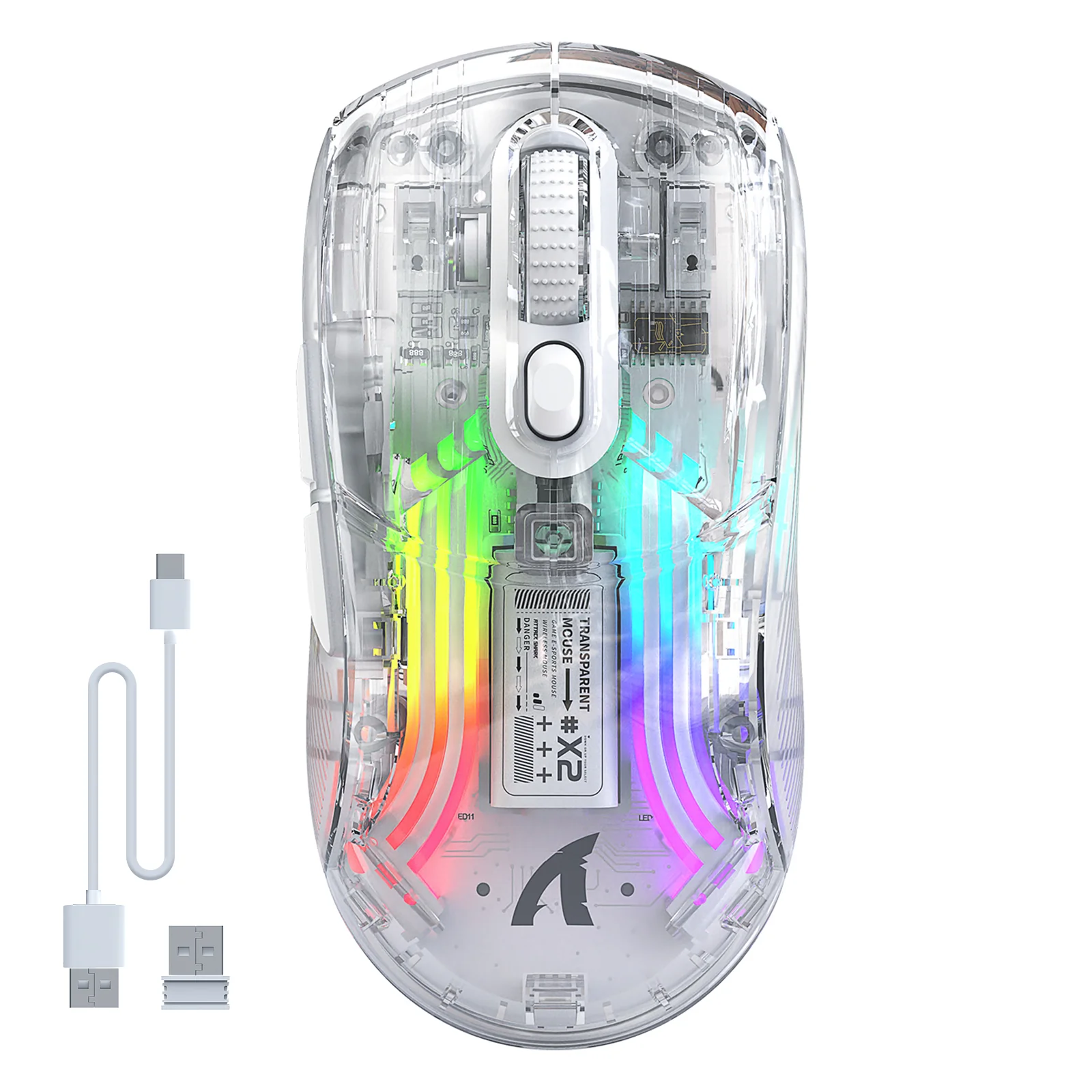


ATTACK SHARK X2 Wireless Gaming Mouse

Description


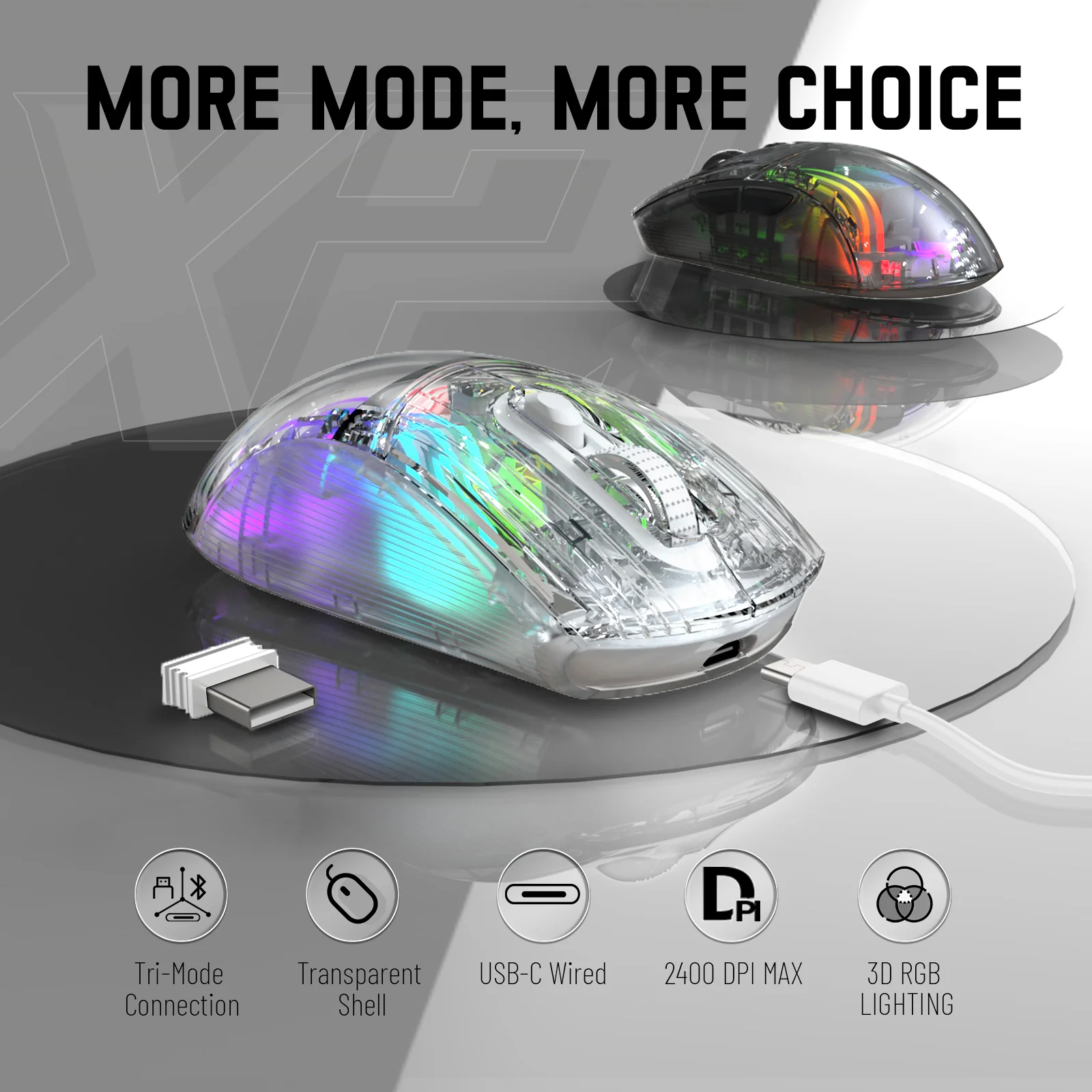
More Modes, More Choices
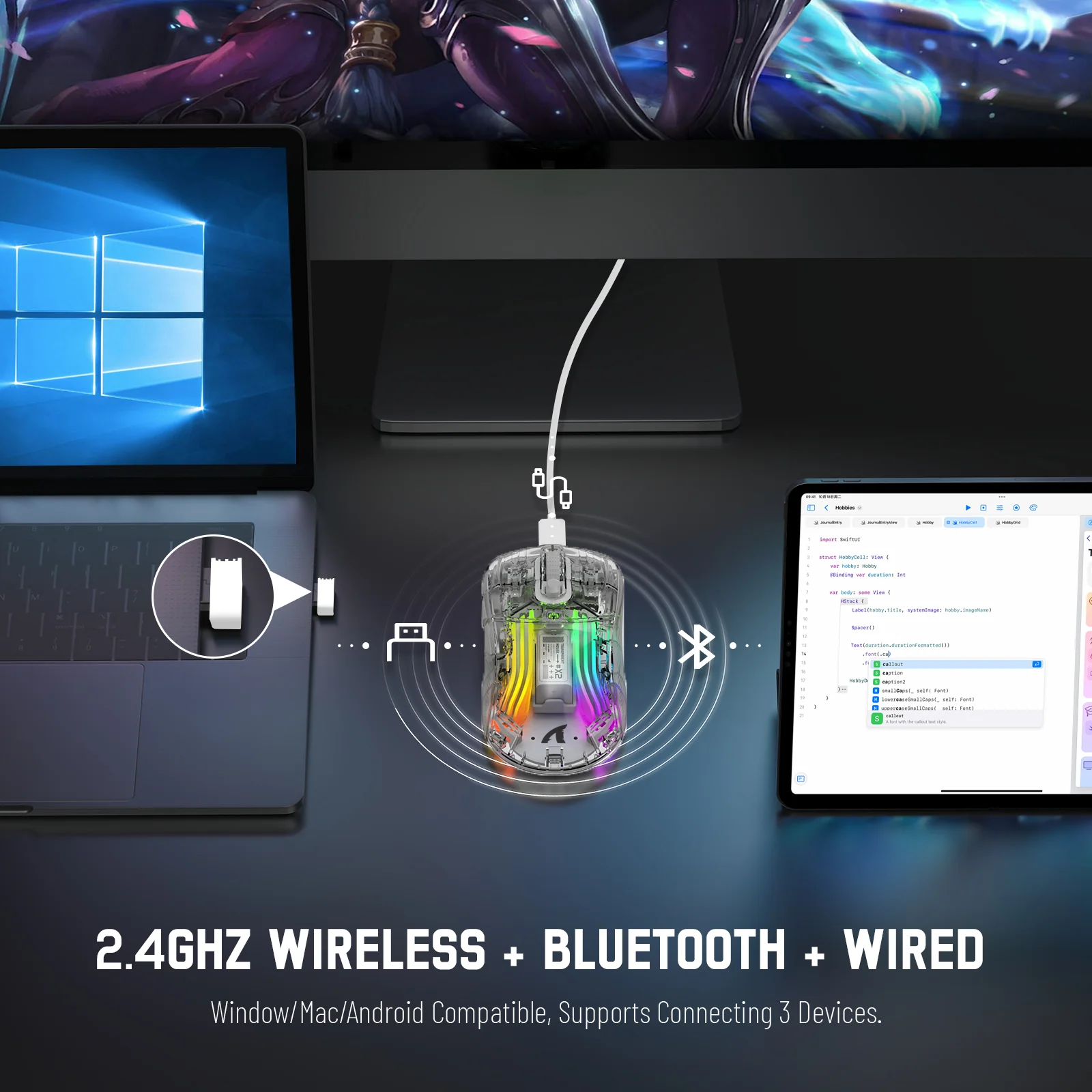
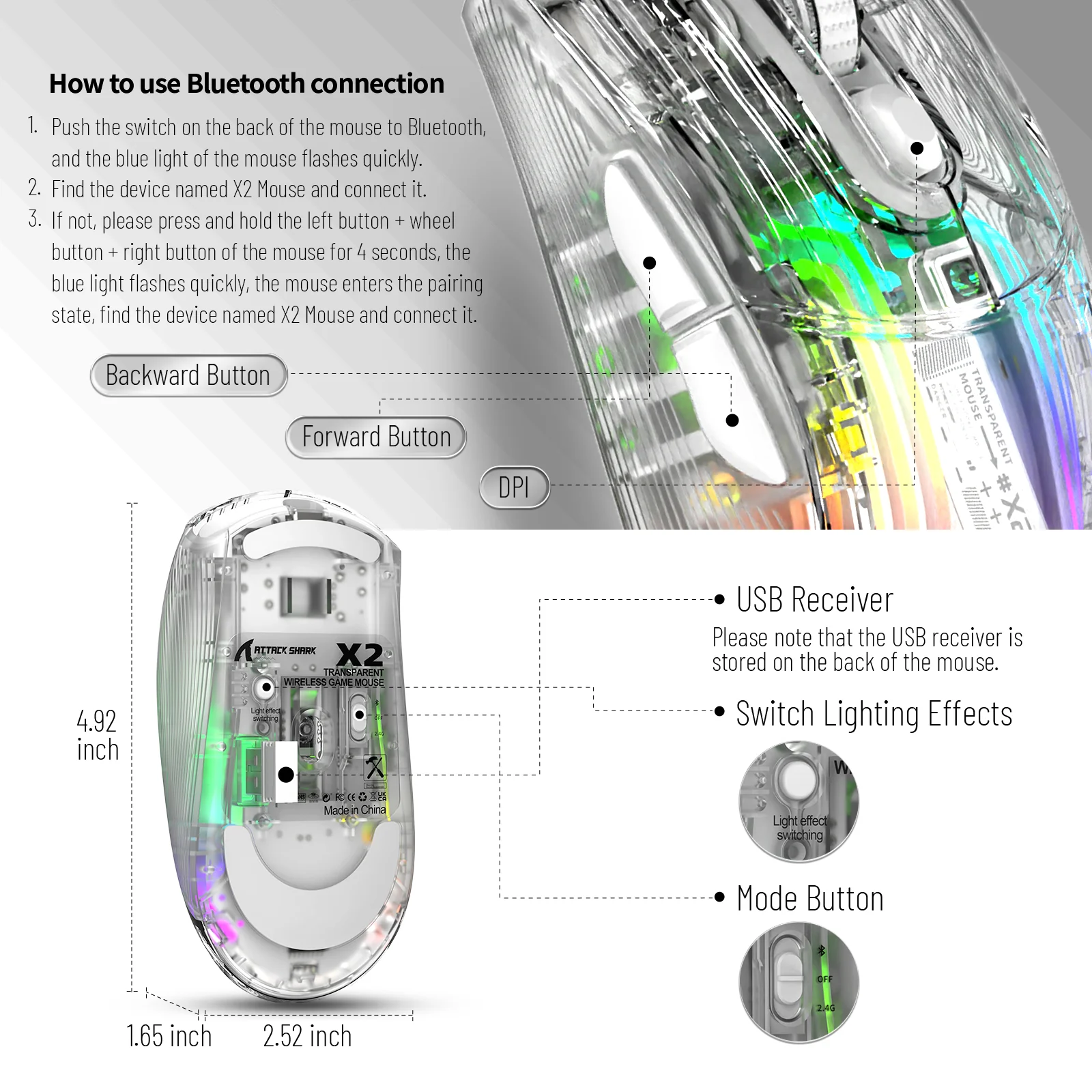
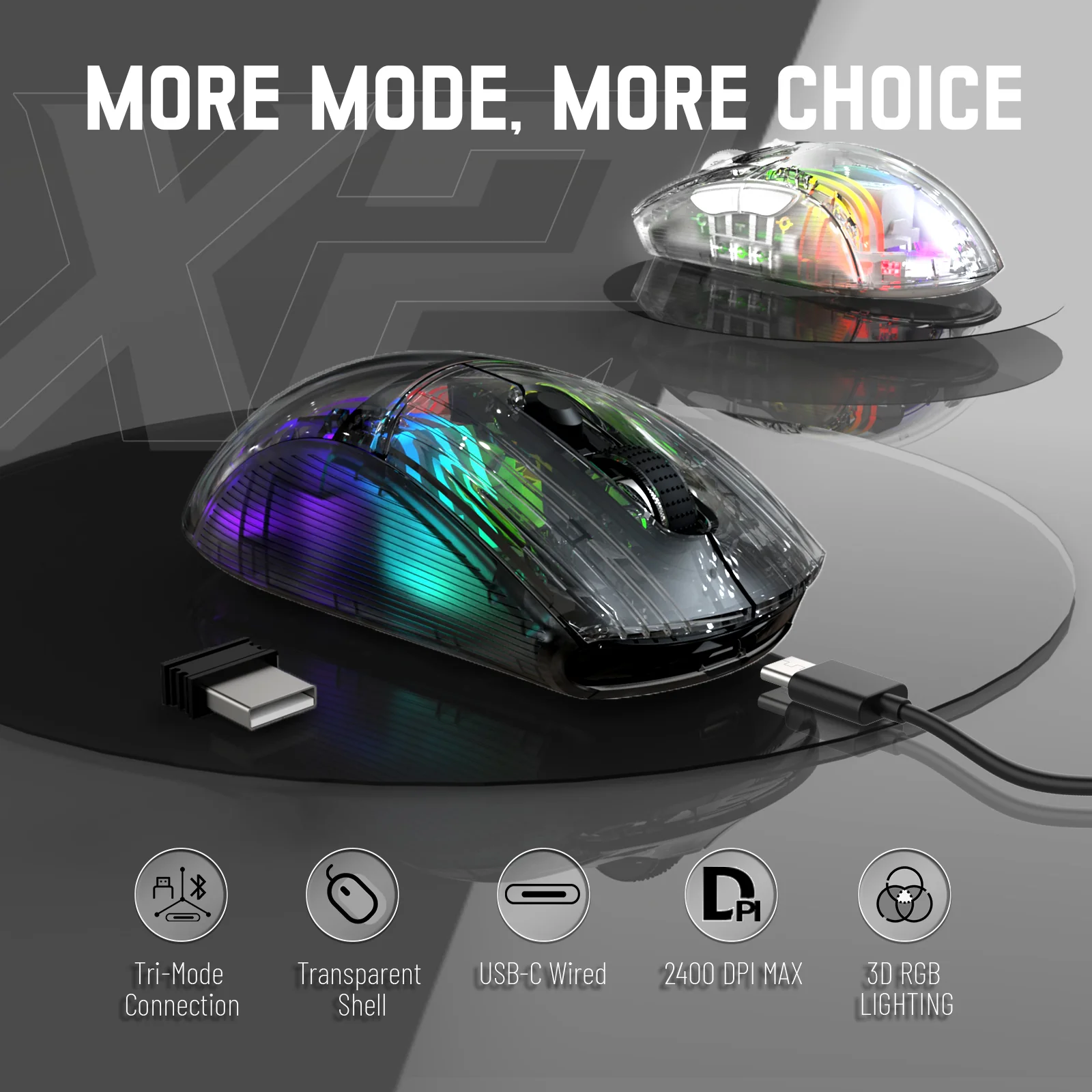
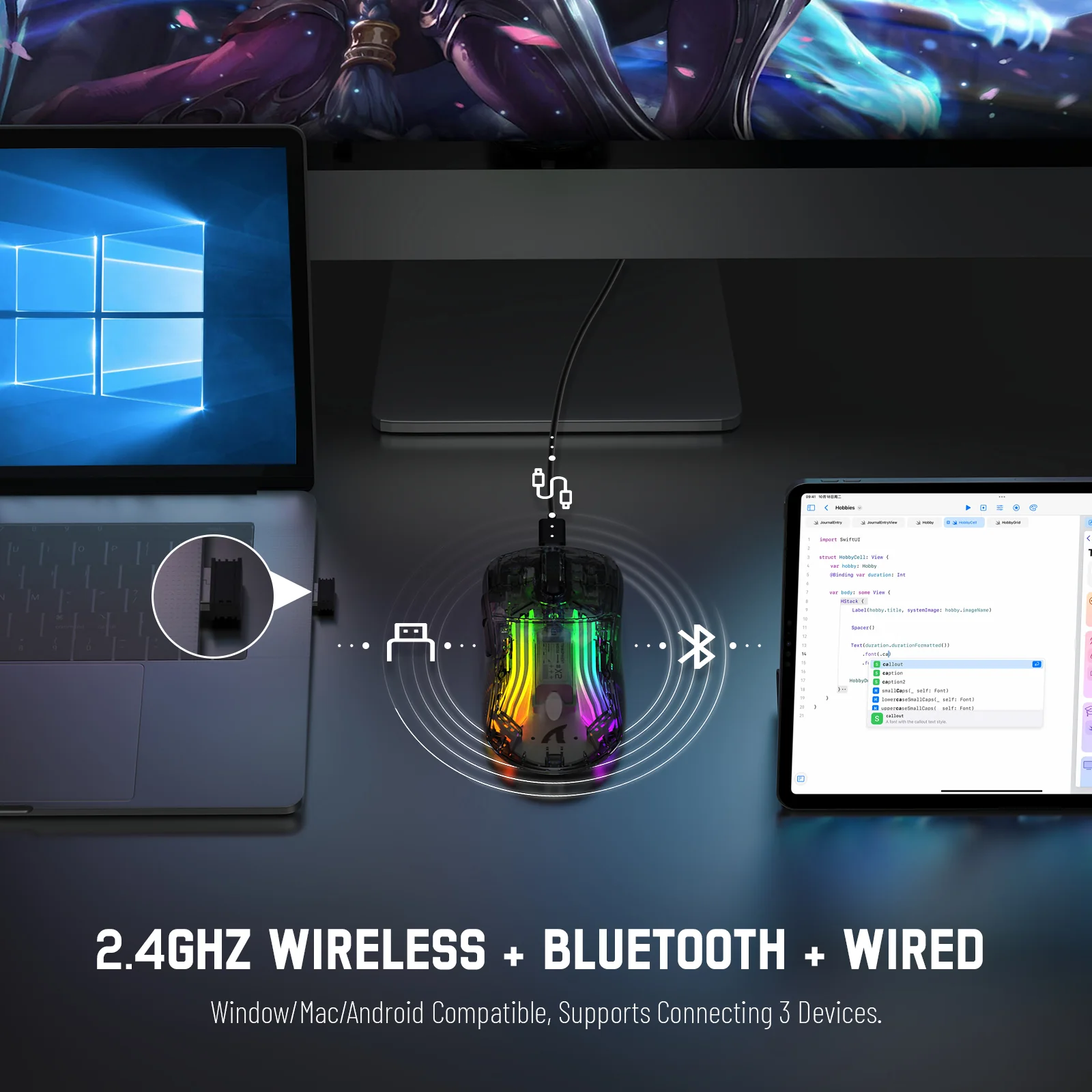
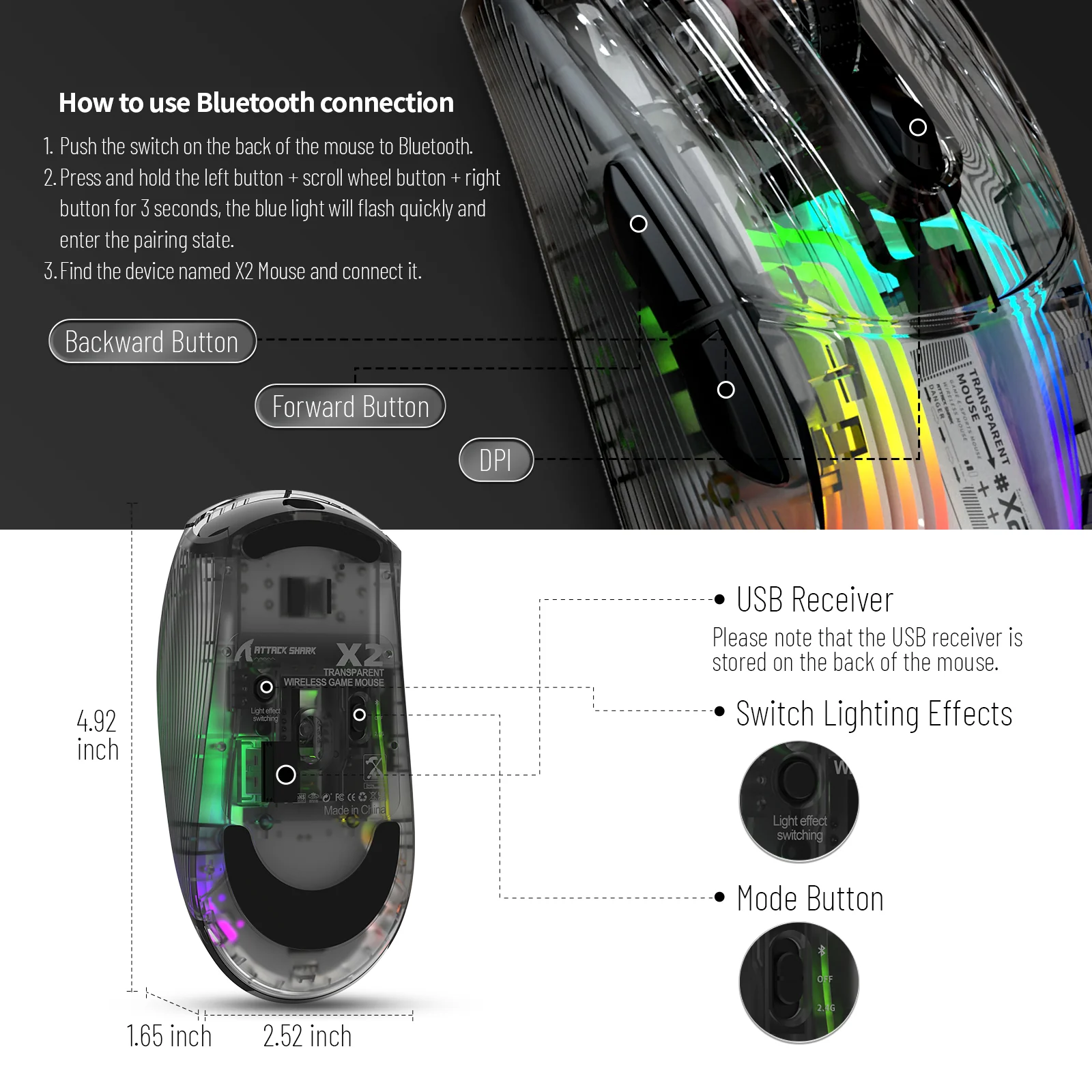
The X2 wireless gaming mouse supports three connection modes to suit any scenario. You can use the lag-free 2.4Ghz wireless mode for gaming, Bluetooth for productivity, or switch to a traditional wired mode with the included USB-C cable. Quickly switch between 3 devices using the mode button on the bottom of the mouse.

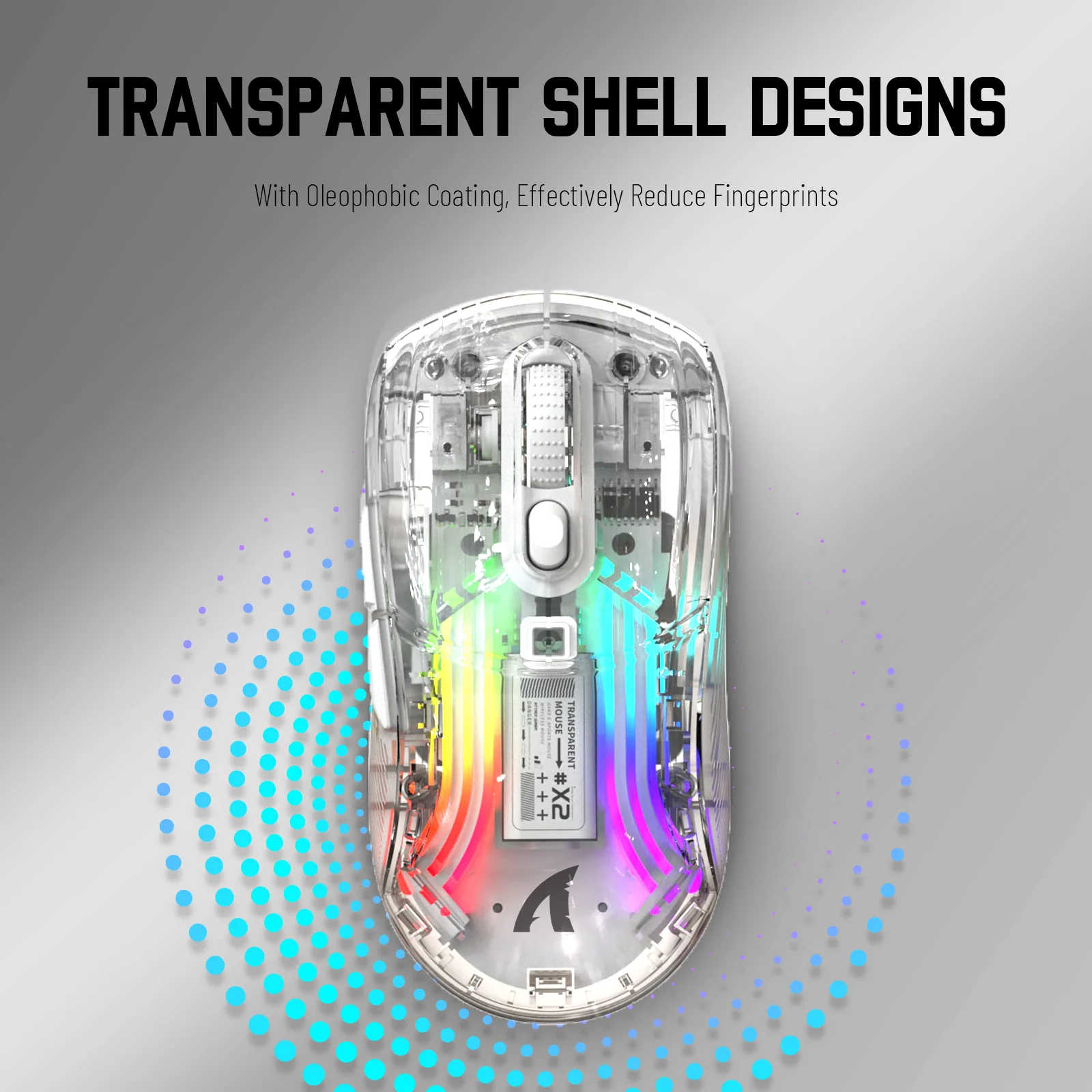
Transparent Shell & 3D RGB
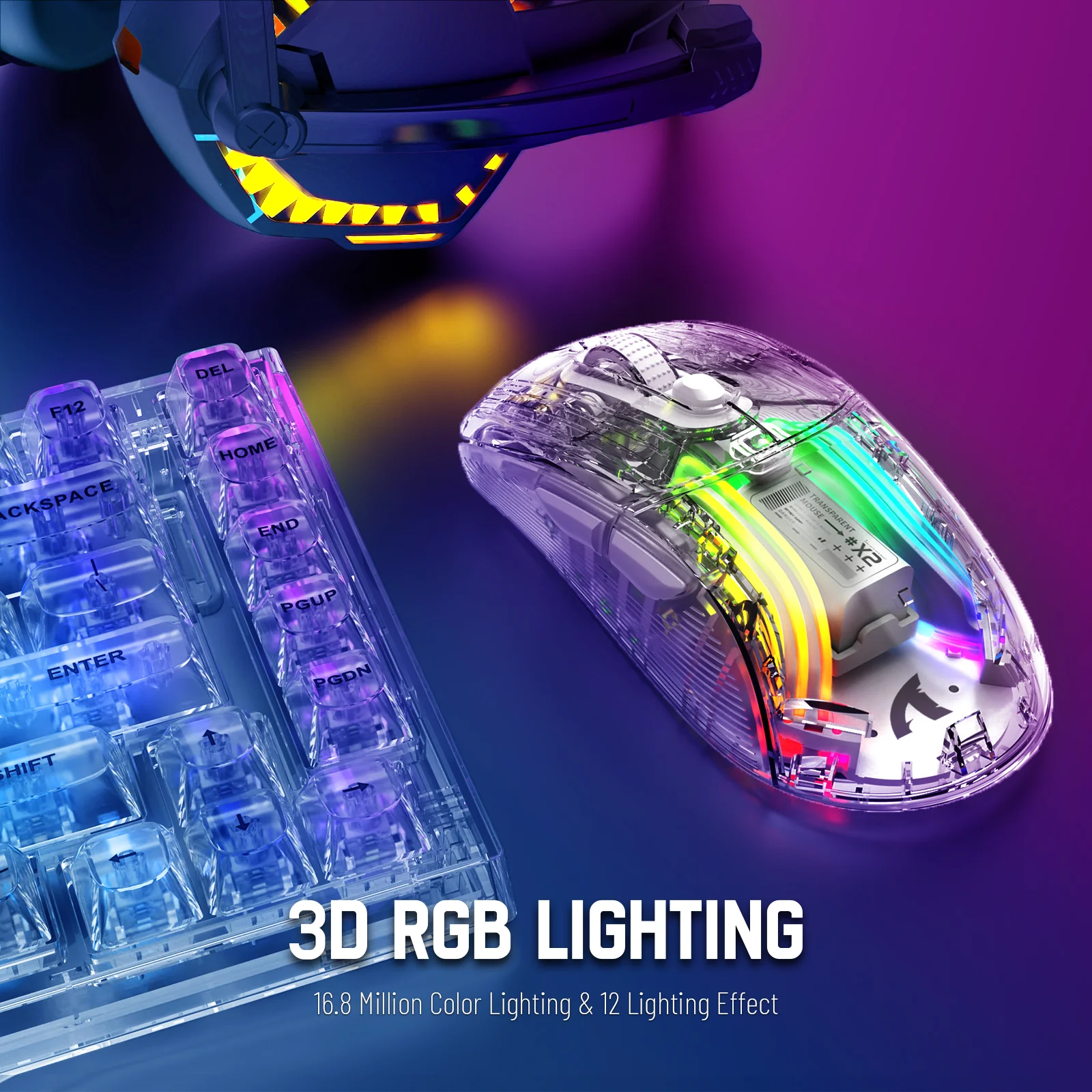
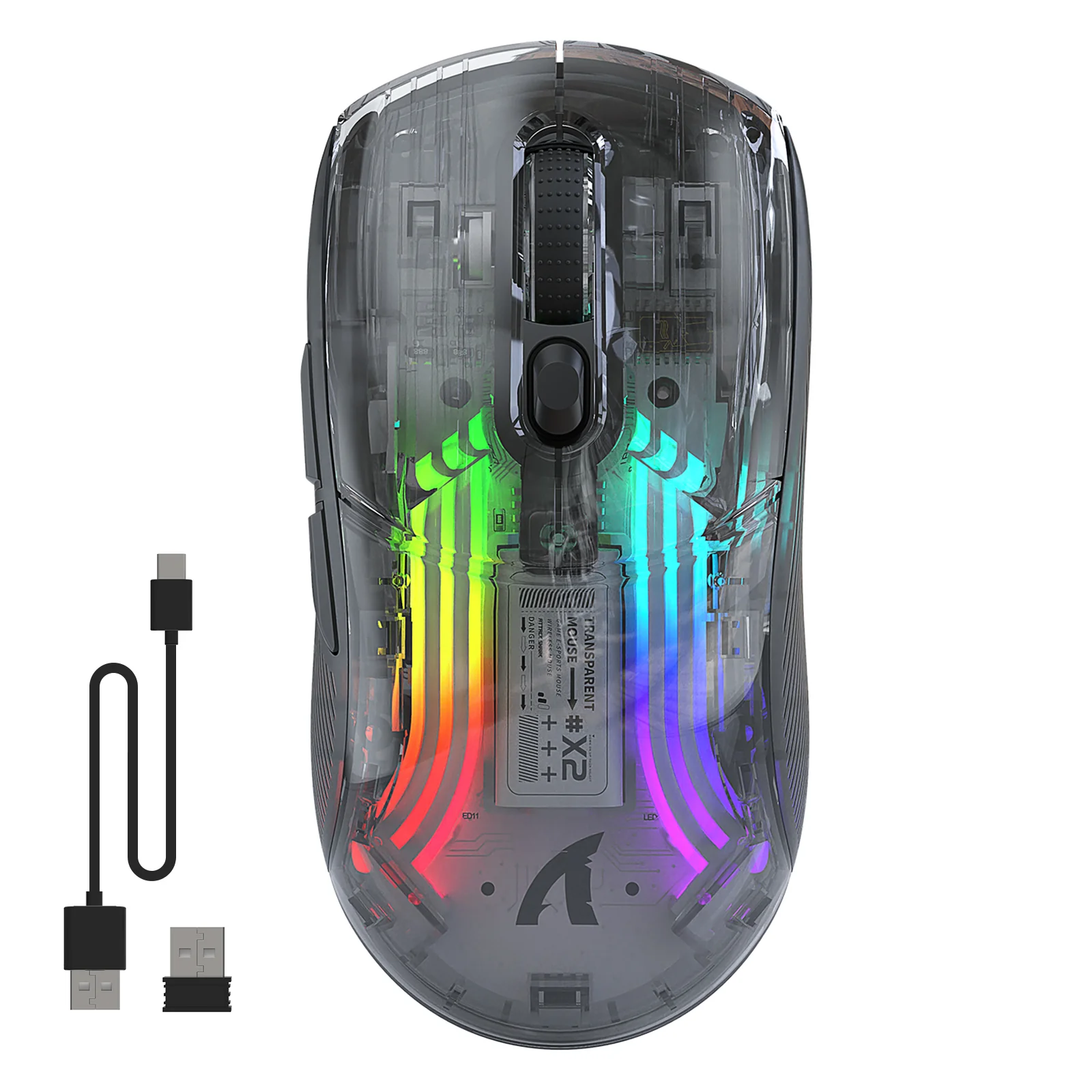
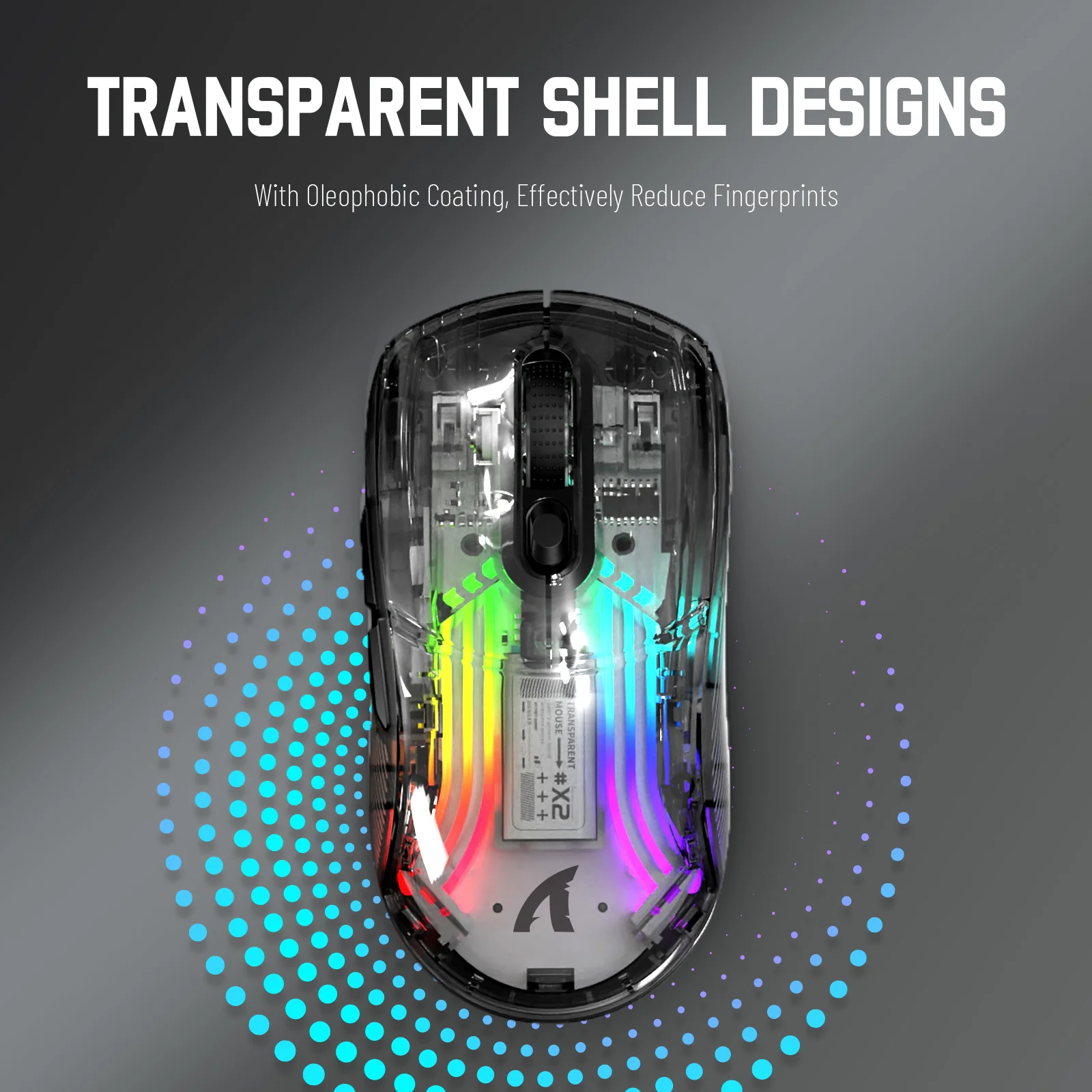
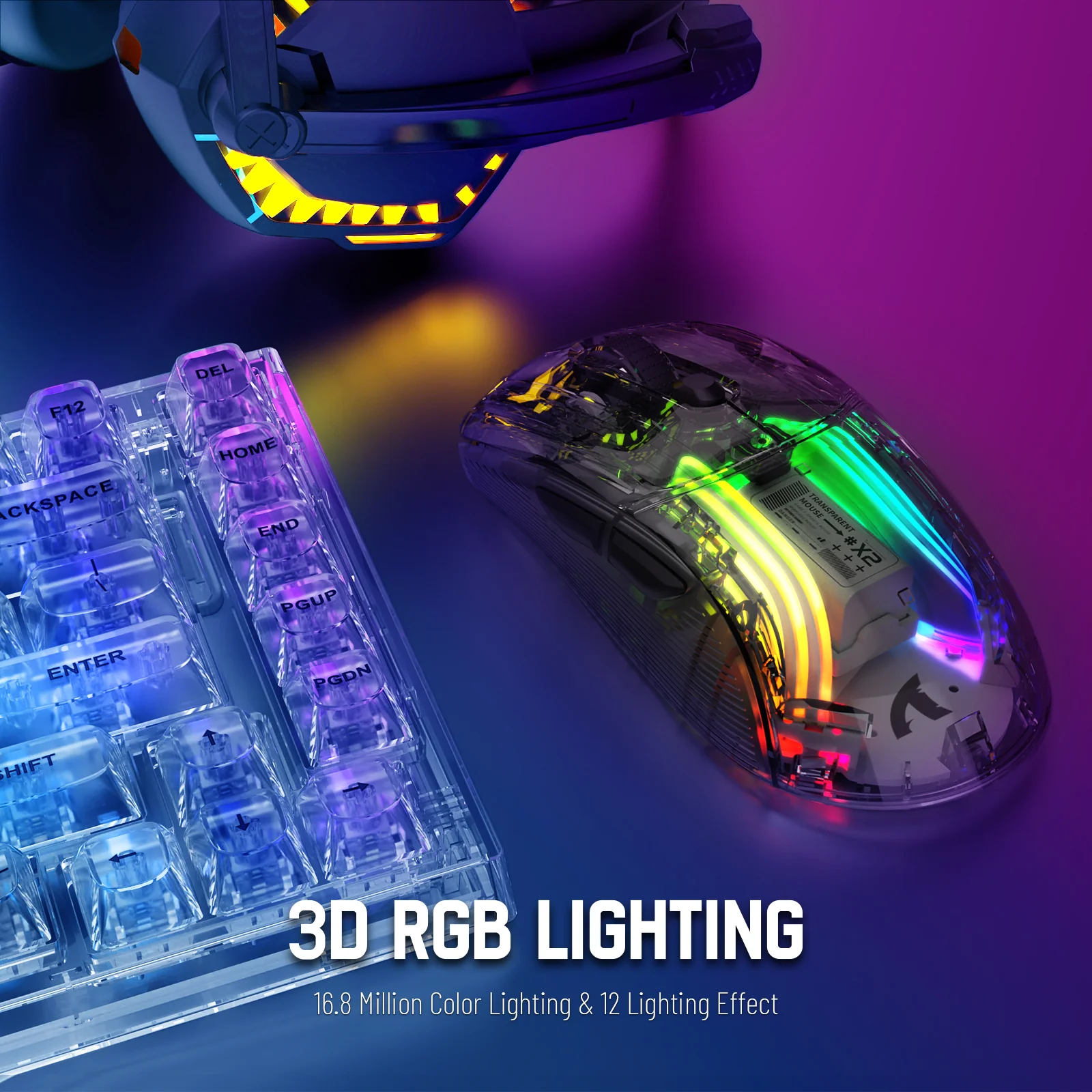
Stand out from the crowd. The unique transparent shell showcases the vibrant 3D RGB lighting, creating an immersive experience. The shell’s surface is finished with an oleophobic coating to reduce fingerprints and smudges, keeping your mouse looking clean and stunning without affecting light transmission.

Silent Clicks & Adjustable DPI
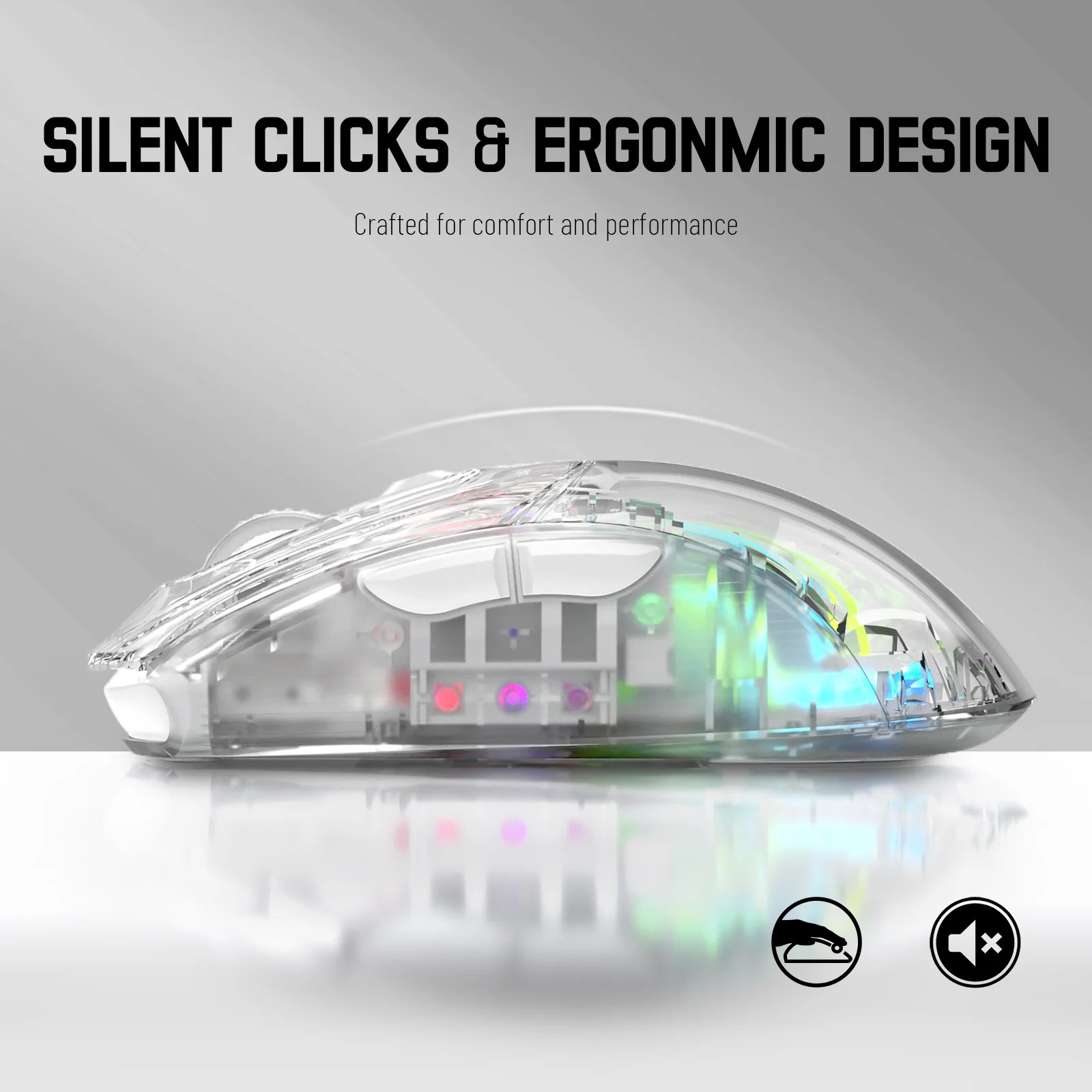
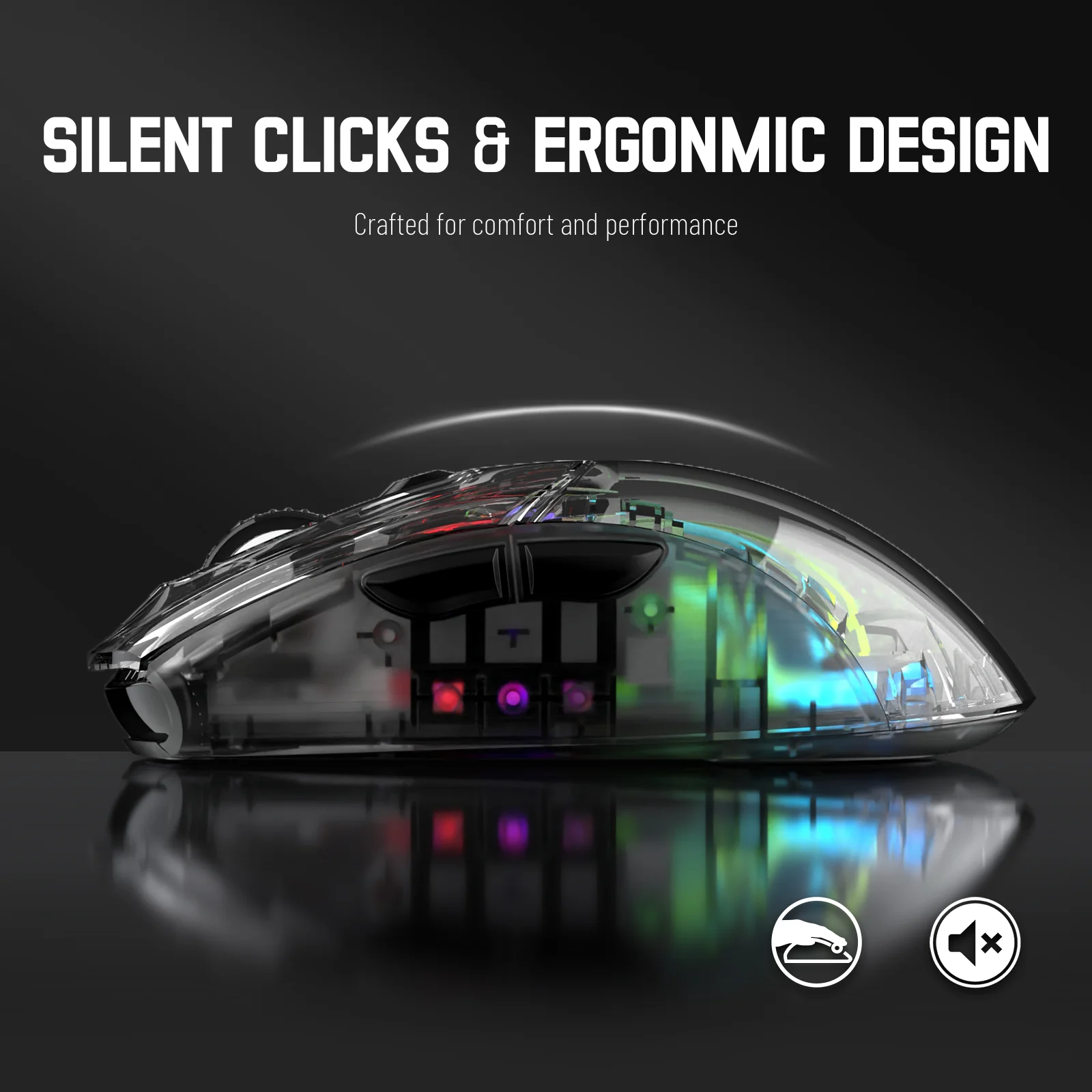
Game or work without disturbing others. The silent left and right buttons reduce click noise by up to 90%. Whether you’re in a late-night gaming session, a library, or a café, you can focus without distraction. Fine-tune your precision with 5 adjustable DPI levels (800/1200/1600/2000/2400) for smooth and free control.

Rechargeable & Auto-Sleep
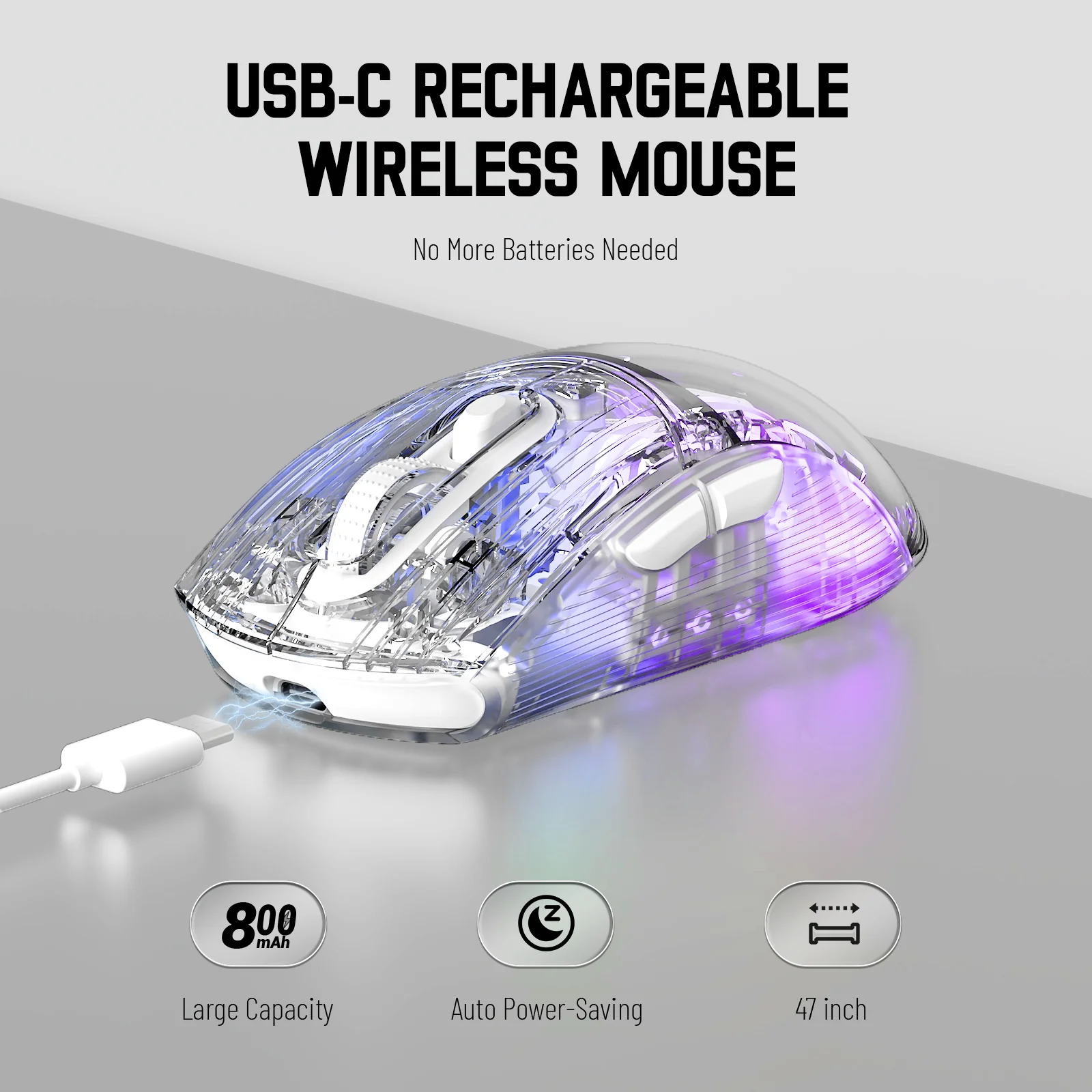
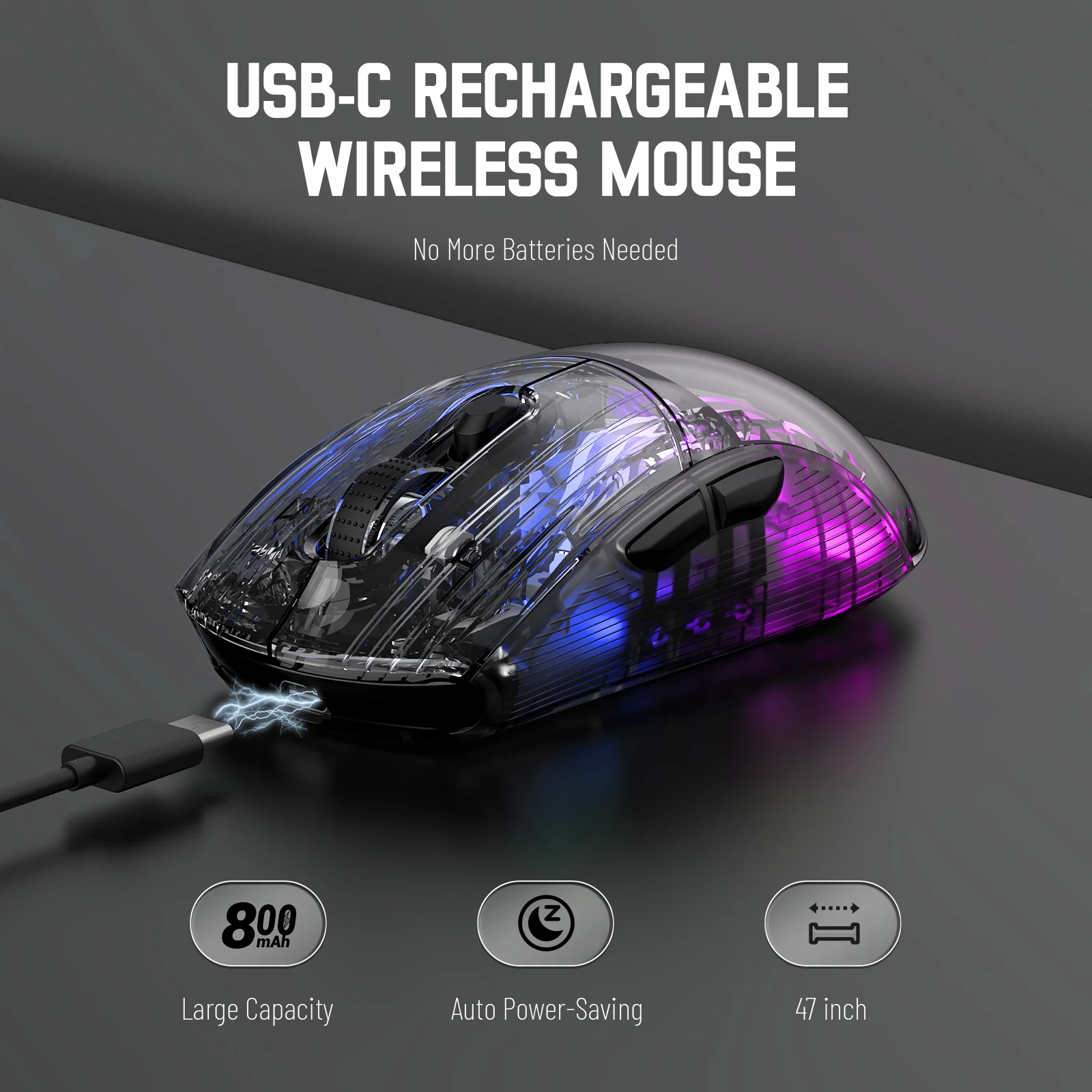
Forget about disposable batteries. The X2 is easily rechargeable with the included USB-A to Type-C cable for fast and stable power. To extend battery life, the intelligent auto-sleep function puts the mouse to sleep after 2 minutes of inactivity. Simply click any button or move the mouse to wake it up instantly.

Ergonomic Design & Wide Compatibility
Crafted for comfort and performance, the ATTACK SHARK X2 features a lightweight, non-porous design. Its ergonomic frame is polished with top-notch craftsmanship and tested for over 5 million clicks to ensure long-term durability. It is fully compatible with Windows and macOS systems, perfect for laptops, PCs, MacBooks, and tablets.

Simple Bluetooth Pairing
To connect, switch the mouse to Bluetooth mode. The blue light will flash quickly. Find and connect to “X2 Mouse” on your device. If it’s not found, press and hold the left, right, and wheel buttons simultaneously for 4 seconds to re-enter pairing mode.
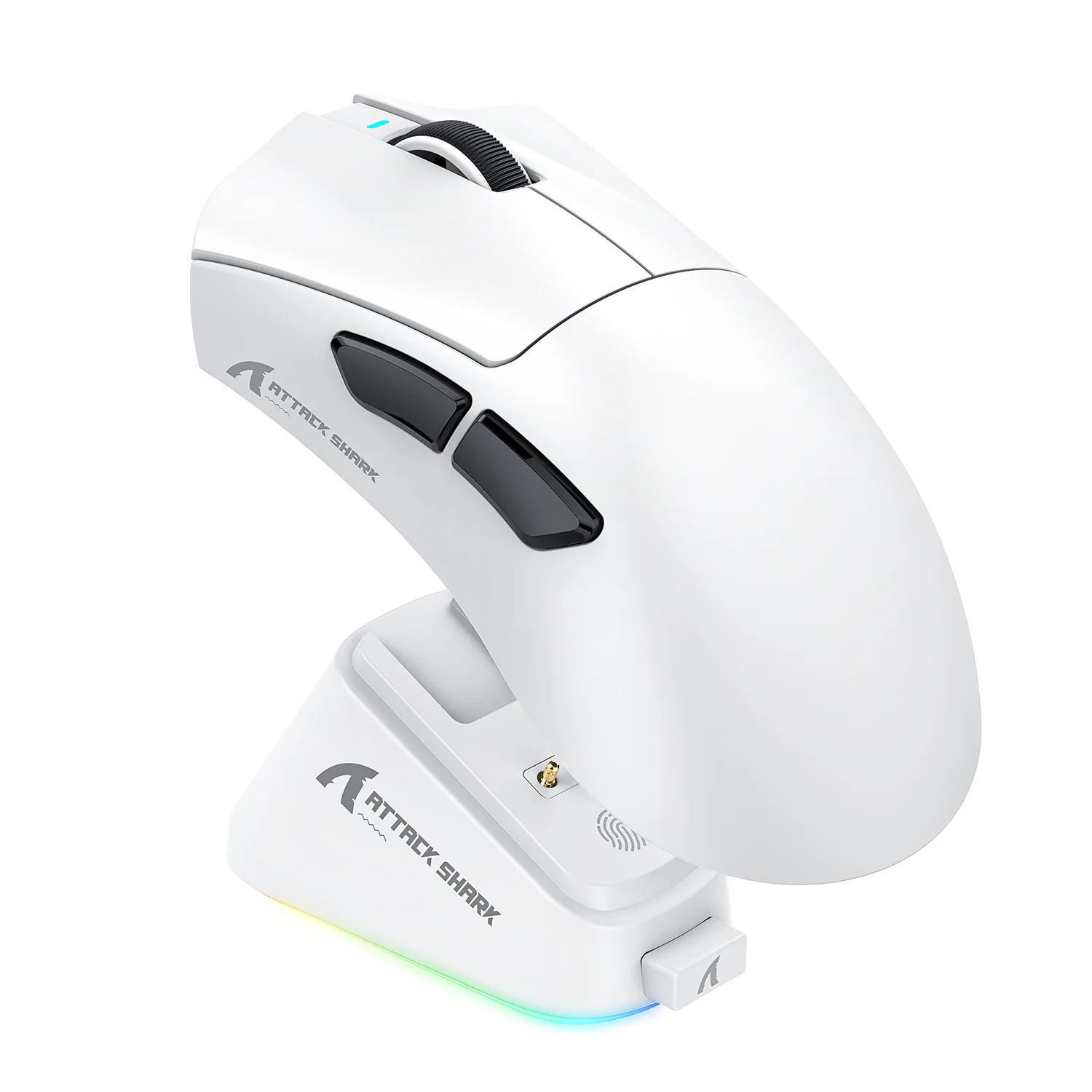
The 2.4Ghz USB receiver is conveniently stored on the back of the mouse.
Additional information
| Color | Black, White |
|---|
Related products
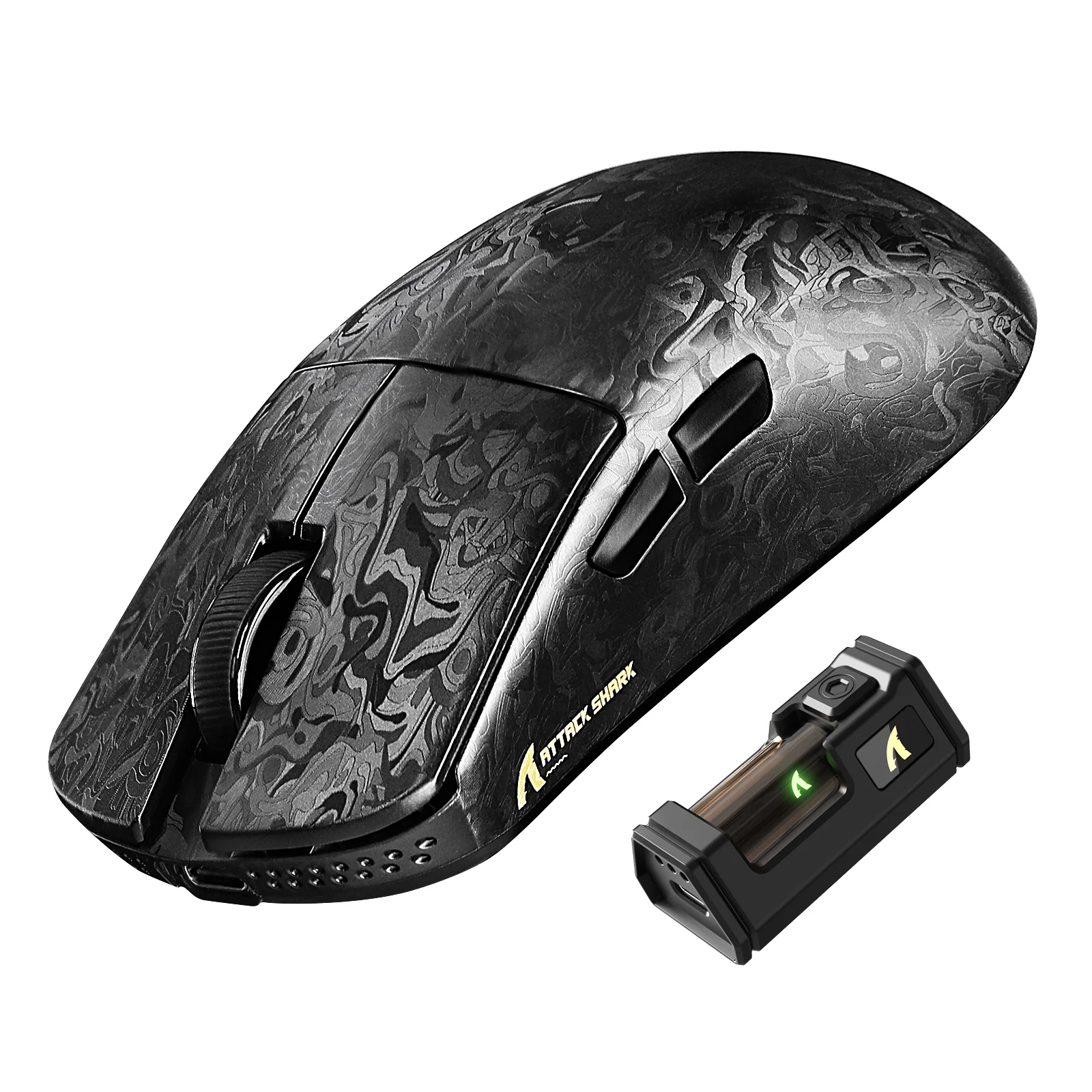
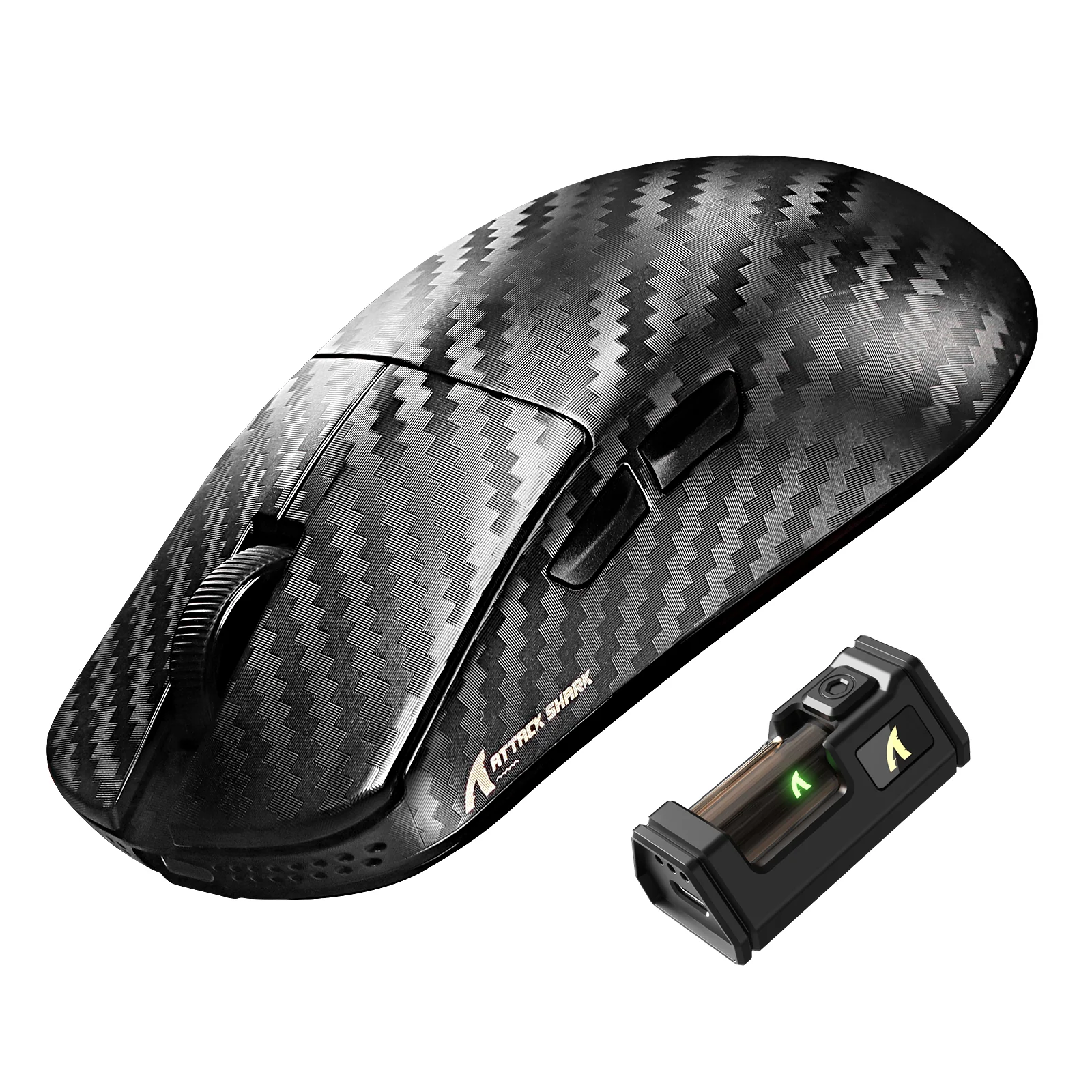
ATTACK SHARK R11 ULTRA Carbon Fiber Wireless 8K PAW3950MAX Gaming Mouse


Rating & Review
There are no reviews yet.